Spirograph, shapes, and the joy of dragging things around
This started as a warm-up. I wanted to build something small that felt good to use. No product requirements, no user stories, just: I want to make a spirograph
Play some music and watch — instant visualizer
Where it started
A single index.html file. Three simple shapes (circle, triangle, square), a dashed target ring, and a canvas. Drag a shape onto the ring, a spirograph starts drawing. Each shape triggers a different pattern. Click to reset. That was the whole thing. Vanilla HTML, CSS, JavaScript. No build step, no framework.
It was the first thing I built for this site, before there was even a site. Just a standalone page to see if the idea worked.
Making it physical
The first version used browser drag-and-drop. You'd grab a shape and drop it on the target. It worked, but it felt mechanical. Like filling out a form. The interaction didn't match what was happening on screen.
So I slowed the spirograph down. Instead of the pattern appearing all at once, you watch it build line by line. The inner gear rolls visibly inside the outer ring. There's an arm, a pen point, a trail. It looks like the physical toy now. The one with the plastic gears and the ballpoint pens that always slipped.
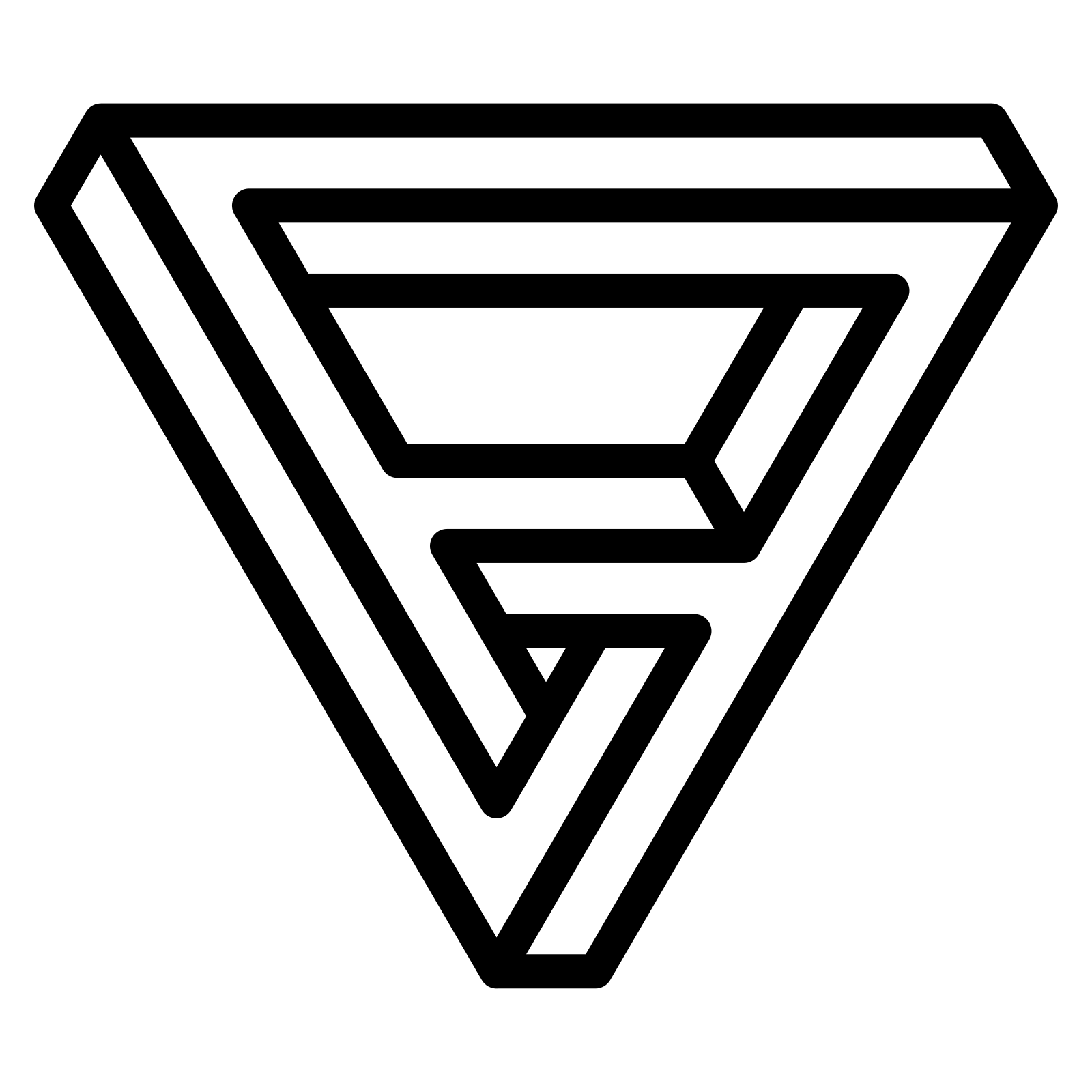
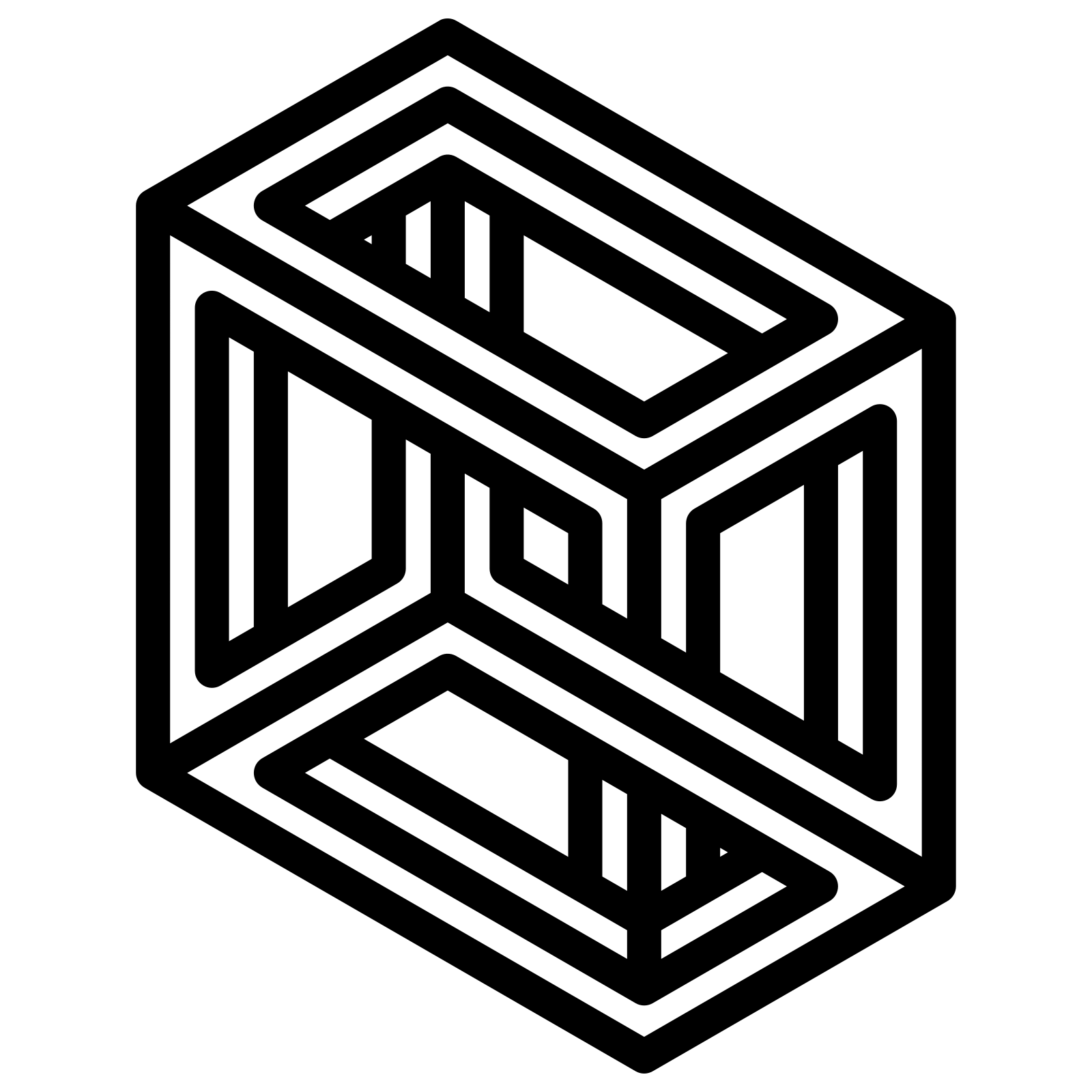
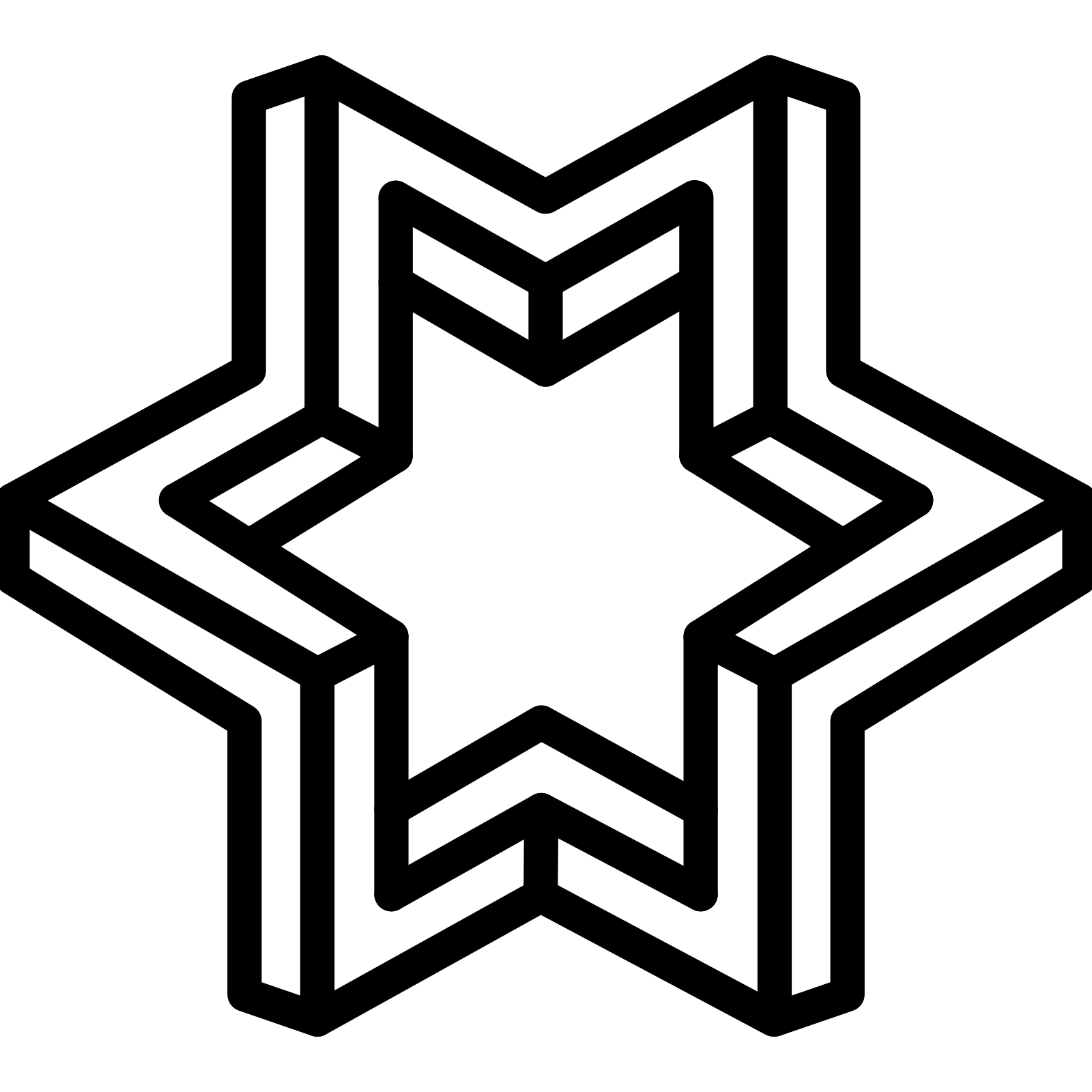
Then I replaced the simple geometric shapes with something stranger. Three abstract forms from The Noun Project. A Penrose triangle, an isometric cube, an impossible star. They don't explain themselves. You pick one up and throw it.
Throw, bounce, land
That was the real change. Instead of dragging to a target, you click a shape and fling it. It bounces off the walls of the container. Ricochet physics, like a pinball, until it hits the outer ring. Wherever it lands, that's where the spirograph starts drawing from.
The angle matters. Throw it to the right and the pattern starts from 3 o'clock. Throw it upward and it might bounce twice before landing at 11 o'clock. The entry point changes the visual experience even though the math underneath is identical.
There's almost no friction, so the shape keeps moving. If it slows down too much it nudges itself toward the center. It always finds the ring eventually.
What each pattern does
- The Penrose triangle draws a tight black pattern. The ratio between the outer and inner radii determines the number of petals.
- The isometric cube produces a rainbow spirograph. The pen color cycles through the full spectrum as it draws.
- The impossible star draws a pink trail. Its inner circle is the largest of the three, creating a wide, open pattern.
The pattern stops when the pen returns to its starting point. One full cycle, then it holds.
The math
A hypotrochoid. Two circles, one fixed, one rolling inside it. A pen at a fixed distance from the center of the rolling circle traces the curve. The parametric equations:
x = (R - r) × cos(t) + d × cos((R - r)/r × t)
y = (R - r) × sin(t) + d × sin((R - r)/r × t)
Where R is the outer radius, r is the inner radius, d is the pen distance, and t is the angle. The pattern completes when t reaches 2π × lcm(R, r) / r.
Small changes in these three numbers produce wildly different shapes. That gap between simple inputs and complex outputs is the whole point.
How it was built
I'm not a coder. This was built entirely through conversation with Claude Code — describing what I wanted by feel, watching what happened, and adjusting from there. No planning, no pseudocode, no architecture diagram. Just: “make it feel less mechanical” and “the shape should rotate like it's hitting the sides.”
There were three real versions. Here's what actually happened at each step.
Version 1: The HTML page
A single index.html. Three colored shapes — a blue circle, a black triangle, a gray square. Drag one onto a dashed ring. A spirograph draws instantly, 8 lines per frame. Click to reset. Tailwind via CDN. No build step. This was Claude's first pass — one prompt, no changes.
V1 — Original HTML, drag and drop
Version 2: Throw physics
The site grew around it. The spirograph moved into React. Then four things changed:
- Slowed it down. From 8 steps per frame to 1. Added the visible rolling gear, arm, and pen point. Now you watch it draw.
- Swapped the shapes. Replaced circle/triangle/square with abstract SVGs from The Noun Project. More mysterious, less literal.
- Added throw physics. Replaced drag-and-drop with click-and-throw. Mouse velocity on release determines the trajectory. Wall bouncing with reflection angles.
- Entry angle. Wherever the shape hits the outer ring becomes the starting angle. Same math, different visual depending on how you throw.
Each change made it feel less like a demo and more like a toy.
V2 — Throw physics, rolling gear, abstract shapes
Version 3: Shape-derived spirographs
The version at the top. The shapes now determine the spirograph — spokes connect each shape's tips to the inner rolling circle, the shape rotates as if physically rolling against the wall, and the spirograph parameters are tuned to each shape's geometry. Three real steps: derive params from shape symmetry, detect tips at the pixel level, tune the angles by feel.
How long would this take without vibe coding?
I asked myself: if I had to build this the traditional way — planning, writing code, debugging — how long would each version take?
| V1 (HTML) | V1→V2 (physics) | V2→V3 (shape-derived) | |
|---|---|---|---|
| Beginner | 2–3 days | 1–2 weeks | wouldn't attempt |
| Mid-level | 2–4 hours | 1–2 days | 1 day |
| Expert | 30 min | 2–4 hours | 2–3 hours |
I did all three in one long session.
Would a coder have done this differently?
Probably. A coder would plan the architecture first. They'd name things properly from the start instead of renaming “circle” to “cube” halfway through after realizing the shape keys didn't match the actual shapes. They wouldn't have spent twenty minutes adjusting spoke angles by 2 degrees at a time while sending screenshots back and forth. They'd have read the SVG coordinate system once and gotten it right.
But they also might have over-specified the first version and never gotten to the third. The advantage of building by feel is that you skip the parts that don't matter and spend all your time on the parts that do. I never once thought about code architecture. I thought about whether the shape felt right when it hit the ring.
Would I have explained it better to Claude Code if I knew how to code? Here's what Claude Code said when I asked:
Claude Code's answer to this question:
Honestly, no. The best prompts I got from you were the ones that described feel: “it felt mechanical,” “the shape should rotate like it's hitting the sides,” “the star inner circle should be larger so we can see the spokes.” Those gave me clear direction without constraining the implementation. A coder might have said “increase the r parameter to 120” — which is precise but assumes they know the right value. You said “make it bigger” and we iterated until it looked right. The feel-first approach sometimes takes more rounds, but it never sends us down the wrong path for the wrong reason.
If anything, this exercise produced very satisfying technical screenshots at every step.
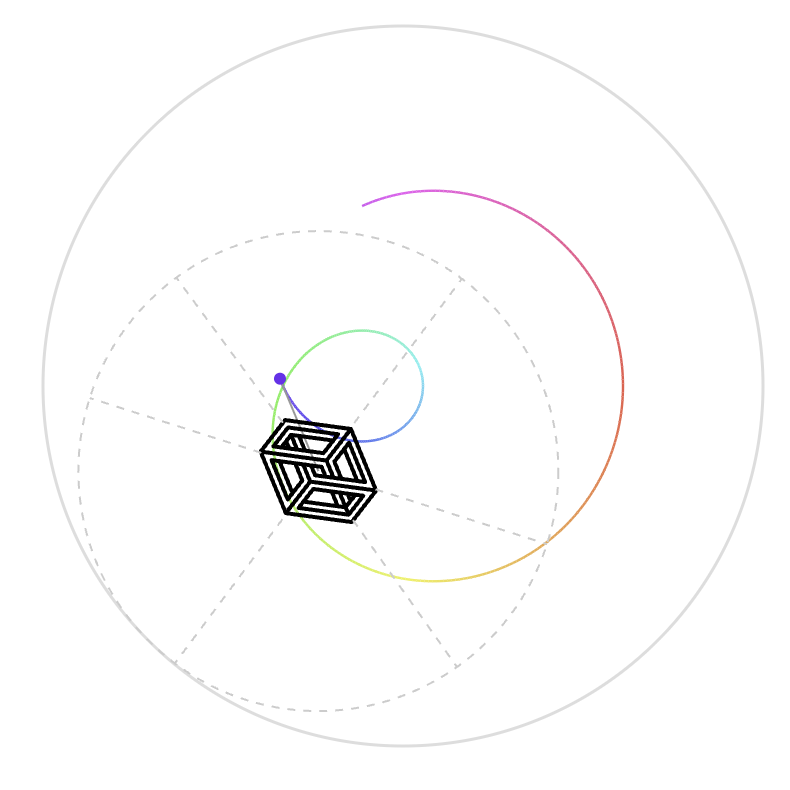
Cube — early rainbow test
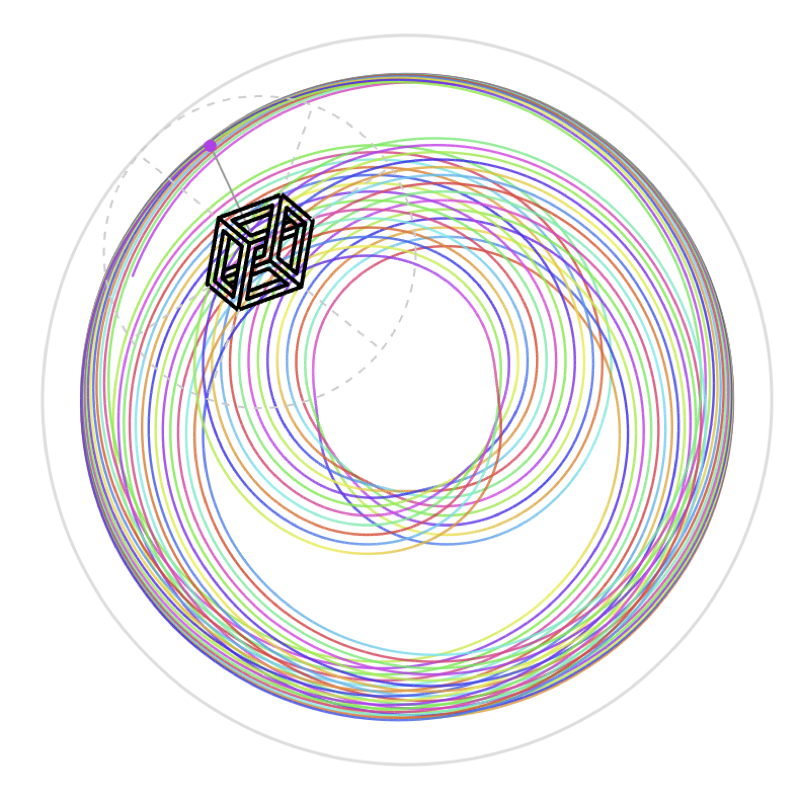
Cube — full pattern